AWS Proton vs Terraform: How They Compare (And Where Your TF Modules Go After Proton)
Update (March 2026): AWS Proton reaches end of life October 7, 2026. Terraform is not affected — your TF modules and state continue to work. Only the Proton orchestration layer is being discontinued.
AWS Proton vs Terraform: They Solve Different Problems
AWS Proton and Terraform are not direct competitors. They operate at different layers:
-
Terraform is an infrastructure-as-code tool. It provisions and manages cloud resources across any provider (AWS, GCP, Azure, etc.) using HCL configuration files.
-
AWS Proton is a template management and orchestration layer. It wraps infrastructure-as-code tools (CloudFormation or Terraform) in standardized templates with self-service deployment, parameter validation, and version management.
Proton could use Terraform as its provisioning engine. Many teams ran Terraform modules through Proton's template system to get self-service and standardization benefits while keeping Terraform's multi-provider capabilities.
What Terraform Does
Terraform is HashiCorp's infrastructure-as-code tool. You write HCL (HashiCorp Configuration Language) configurations that describe infrastructure resources, and Terraform handles the provisioning lifecycle:
1resource "aws_rds_cluster" "database" {
2  cluster_identifier = "app-${var.environment}"
3  engine             = "aurora-postgresql"
4  engine_version     = "15.4"
5  master_username    = var.db_username
6  master_password    = var.db_password
7
8  serverlessv2_scaling_configuration {
9    min_capacity = 0.5
10    max_capacity = 4.0
11  }
12}
Key capabilities:
- Multi-cloud support (AWS, GCP, Azure, Kubernetes, and 3,000+ providers)
- State management (tracks what's deployed and manages updates)
- Plan/apply workflow (preview changes before executing)
- Module system (reusable, parameterized infrastructure components)
- Extensive ecosystem (Terraform Registry with thousands of community modules)
- Terraform Cloud / Enterprise for team collaboration, state management, and policy enforcement
What AWS Proton Added
Proton didn't replace Terraform. It added an orchestration layer for teams using Terraform (or CloudFormation):
Standardized Templates
Platform teams packaged Terraform modules into Proton service templates. Developers couldn't modify the Terraform code — they could only set the parameters defined in schema.yaml.
Self-Service Deployment
Developers selected a template, filled in parameters, and deployed. No need to run terraform plan and terraform apply themselves, manage state files, or understand module dependencies.
Version Management
Templates had explicit versions. When the platform team updated a module (new provider version, security fix, resource optimization), they published a new template version. Service instances could be tracked by template version.
Limited Terraform Support
Proton added Terraform support after its initial CloudFormation-only launch. This late addition meant Terraform was always a second-class citizen:
- State management was handled by Proton (not S3 or Terraform Cloud)
terraform planoutput wasn't exposed in the UI- Module references and remote state access were awkward to configure
- Provider version pinning had limitations
Side-by-Side Comparison
| Aspect | Terraform | AWS Proton |
|---|---|---|
| Primary function | Provision and manage infrastructure | Orchestrate template-based deployments |
| User | Infrastructure engineers | Platform teams (authoring) + developers (consuming) |
| Cloud support | Multi-cloud (3,000+ providers) | AWS only |
| Language | HCL | CF YAML/JSON or HCL (wrapped in Proton schema) |
| State management | Flexible (local, S3, TF Cloud, etc.) | Proton-managed (limited) |
| Self-service | No (requires TF knowledge) | Yes (form-based parameter input) |
| Template versioning | Via Git tags / module registry | Built-in version registry |
| Ephemeral environments | Possible with custom automation | Not supported |
| Cost controls | None built-in | None built-in |
| Plan/preview | Yes (terraform plan) | Limited exposure in UI |
| Ecosystem | Massive (Registry, community modules) | Minimal |
| Status | Active, industry standard | End of life October 7, 2026 |
What Proton's End of Life Means for Terraform Users
If you're running Terraform modules through Proton, here's what changes on October 7, 2026:
What stays: Your Terraform modules, state files, and deployed infrastructure all continue to work. Terraform itself is unaffected.
What goes: The Proton layer that provided template management, self-service deployment, schema validation, and version tracking.
You need a new way to:
- Package your TF modules into standardized templates developers can consume
- Provide self-service deployment without requiring
terraform applyknowledge - Manage template versions and track which environments use which version
- Validate parameters before they reach Terraform
Where Your Terraform Modules Go Next
Option 1: Terraform Cloud / HCP Terraform
If you want to stay in the HashiCorp ecosystem, Terraform Cloud provides workspace management, remote state, policy enforcement (Sentinel), and team collaboration. However, it doesn't provide the self-service developer experience or environment lifecycle management that Proton offered.
Option 2: Bunnyshell
Bunnyshell has first-class Terraform support with kind: Terraform components. Your existing modules run without changes:
1kind: Terraform
2name: database
3gitRepo: https://github.com/your-org/terraform-modules.git
4gitBranch: main
5gitApplicationPath: /modules/rds
6vars:
7  instance_class: db.t3.medium
8  engine_version: "15.4"
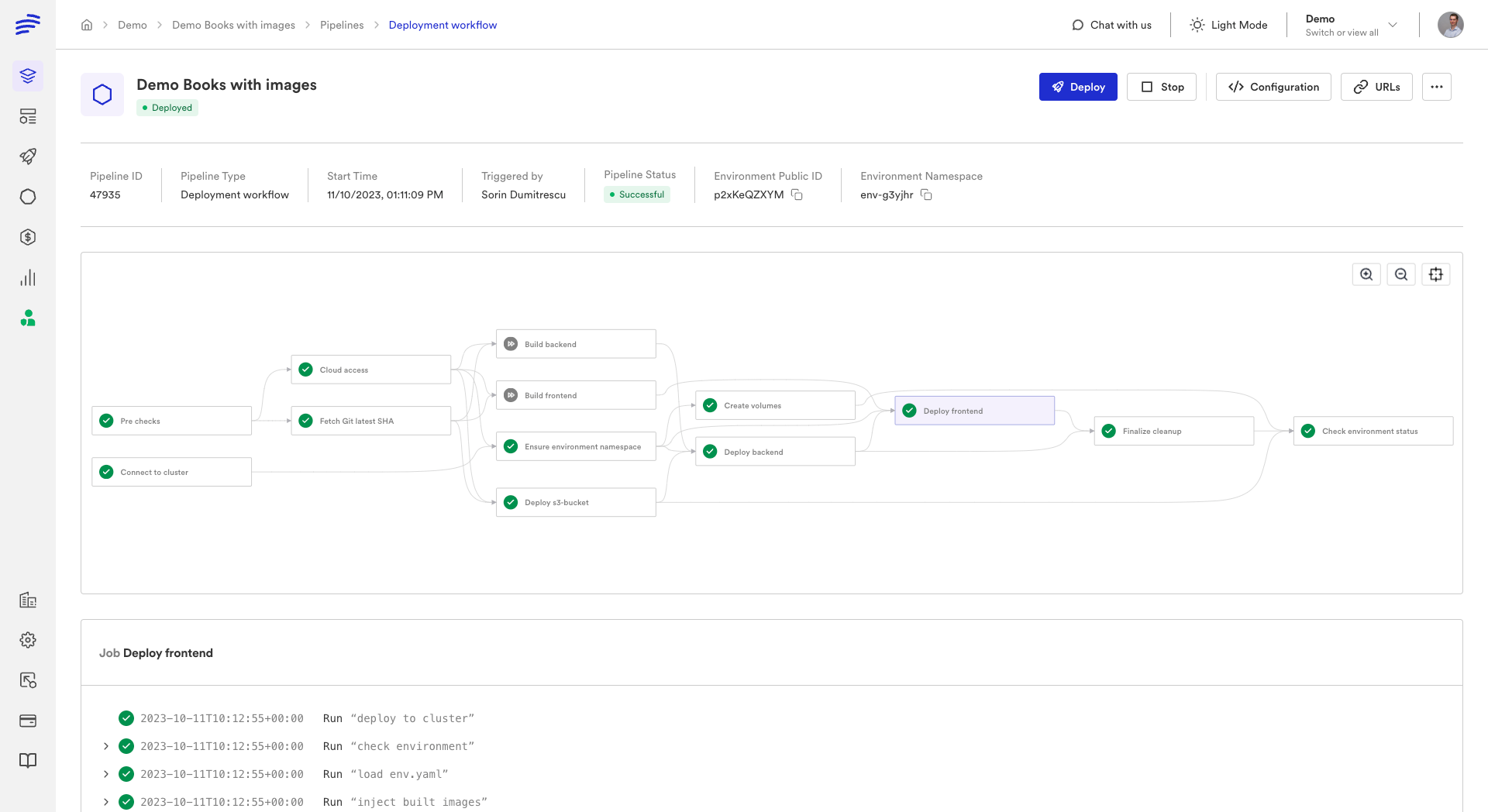
Bunnyshell handles terraform init, plan, apply, and destroy automatically. State management supports Bunnyshell's managed backend or your existing S3/Terraform Cloud backend.
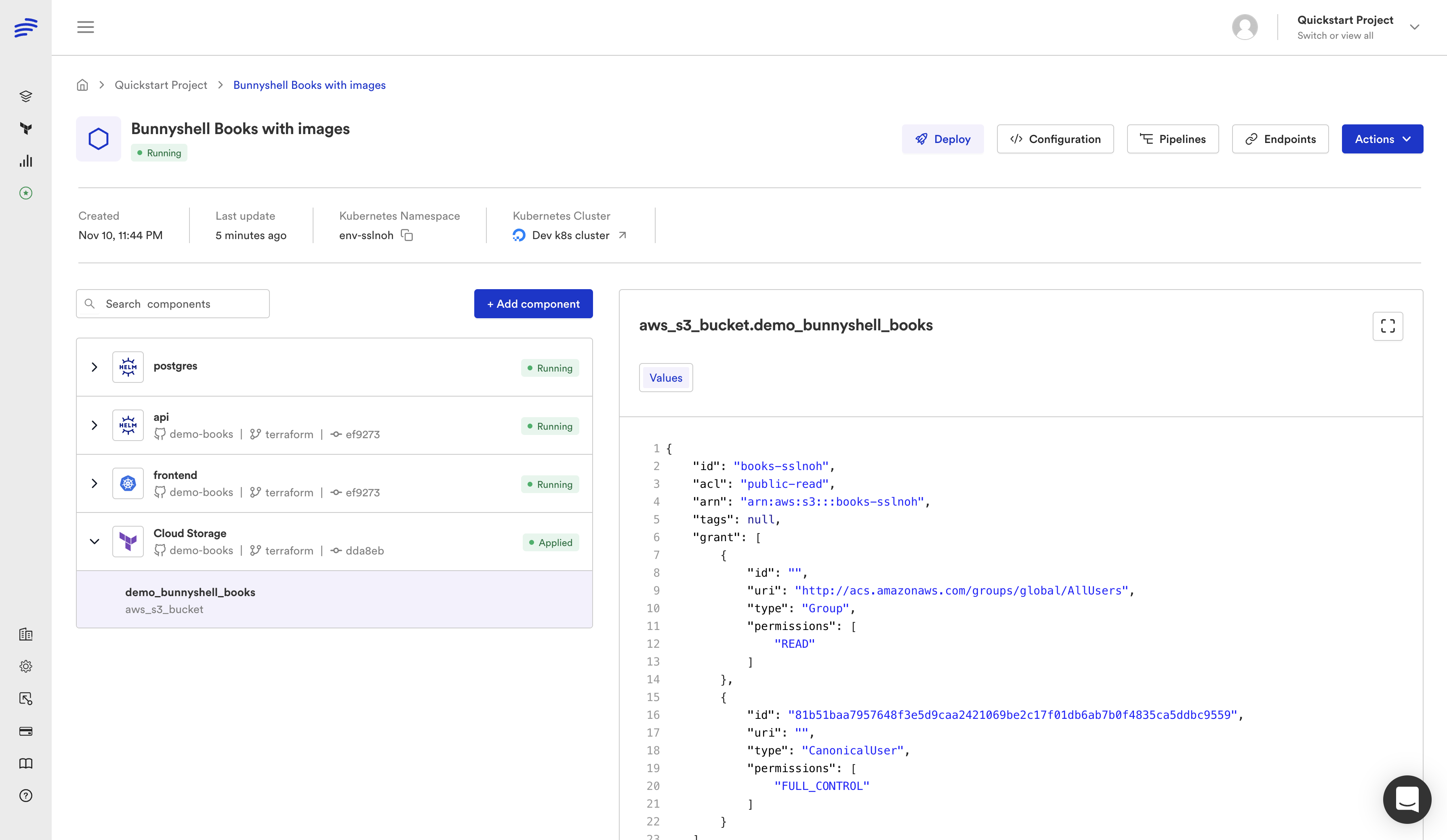
What Bunnyshell adds beyond what Proton offered:
- Native first-class TF support — not a second-class bolt-on
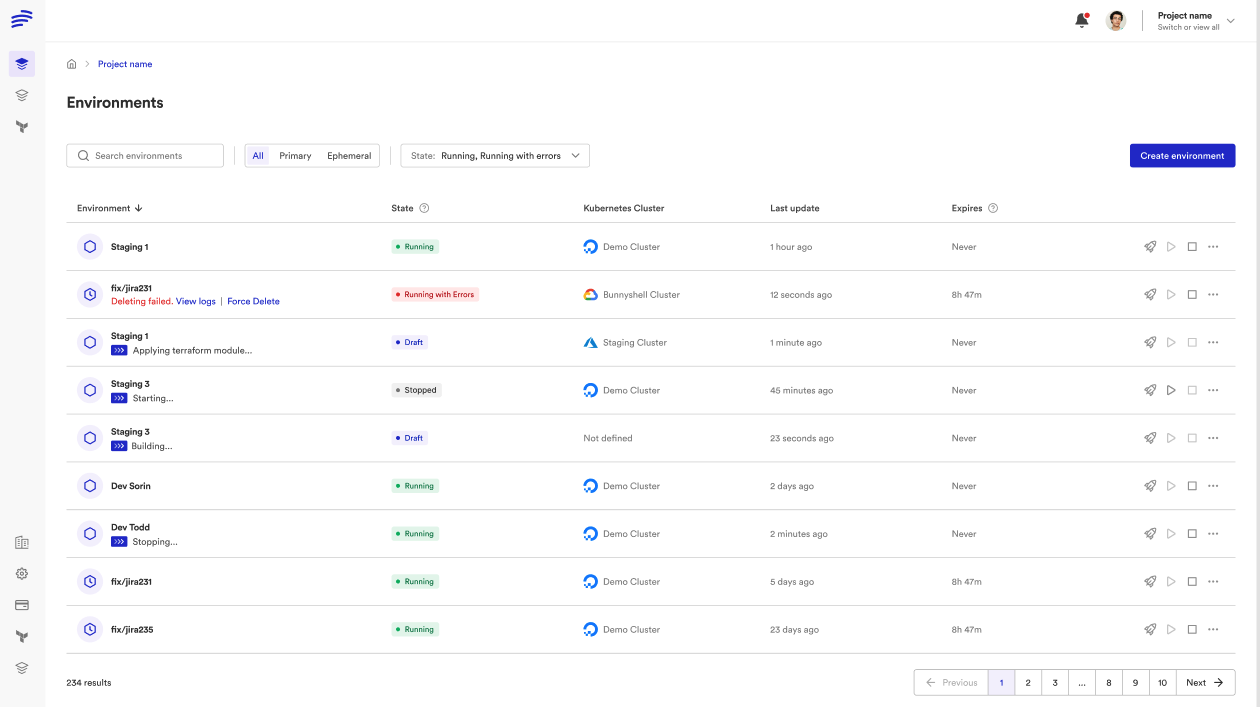
- Ephemeral environments — spin up full TF-provisioned infrastructure per pull request
- Mixed IaC — combine Terraform, Helm, CloudFormation, and Docker Compose in one environment
- Multi-cloud — same template works across AWS, GCP, Azure
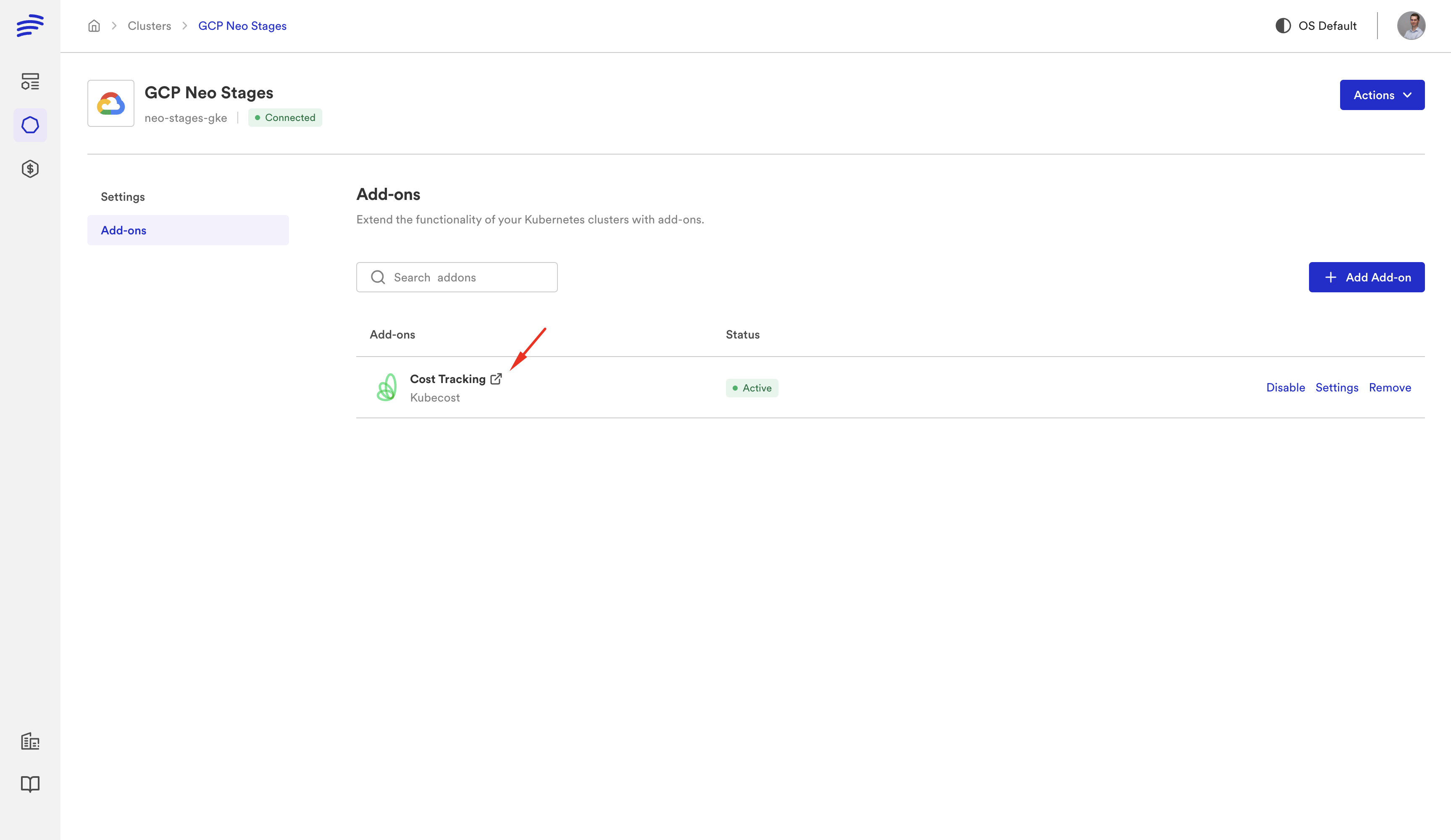
- Cost controls — auto-stop idle environments, track spending per team
- Remote development — connect your IDE to a running cloud environment
- State flexibility — use Bunnyshell's managed state or bring your own backend
For a detailed migration walkthrough, see our Terraform Migration Guide.
Option 3: Build Custom Automation
Use Terraform directly with custom CI/CD pipelines (GitHub Actions, GitLab CI) for deployment, and build a self-service layer on top. This gives you full control but requires significant engineering effort to replicate what Proton provided.
Terraform + Bunnyshell: Better Than Terraform + Proton
The Bunnyshell approach to Terraform is fundamentally different from how Proton handled it:
| Capability | Proton + Terraform | Bunnyshell + Terraform |
|---|---|---|
| TF support level | Second-class (added later) | First-class (kind: Terraform) |
| State management | Proton-managed only | Your choice: managed or bring-your-own |
| Plan output | Limited visibility | Full plan output in pipeline logs |
| Module references | Awkward to configure | Standard Git references |
| Provider versions | Limitations on pinning | Full control via runnerImage |
| Mixed IaC | CF or TF, not both easily | CF + TF + Helm + K8s manifests in one env |
| Ephemeral environments | Not available | Per-PR, auto-create, auto-destroy |
| Cost controls | Not available | Auto-stop, limits, tracking |
Getting Started
If you're running Terraform through Proton today:
- Export your TF modules from Proton (or pull them from your Git repo — most teams already have them there)
- Create a Bunnyshell environment template with
kind: Terraformcomponents pointing at your modules - Configure state backend — use Bunnyshell's managed state or point to your existing S3/TFC backend
- Map variables from Proton's
schema.yamlto Bunnyshell template variables - Deploy — your TF modules run natively on Bunnyshell
Most teams have their first Terraform environment running on Bunnyshell within 30 minutes.
Running Terraform through Proton?
We'll show your actual TF modules running on Bunnyshell with native state management. No changes to your Terraform code.
Related reading: