Migrating AWS Proton CloudFormation Templates to Bunnyshell
Keep your CloudFormation templates. Wrap them in Bunnyshell's GenericComponent.
Your CloudFormation templates do not need to change. Not a single line. AWS Proton was an orchestration layer that ran aws cloudformation deploy under the hood — and that is exactly what Bunnyshell's GenericComponent does. The difference is that Bunnyshell gives you ephemeral environments, cost management, and a Git-native workflow on top of it.
This guide walks through the complete process of migrating your Proton CloudFormation workloads to Bunnyshell, step by step.
What Is a GenericComponent?
A GenericComponent is Bunnyshell's most flexible component type. It runs arbitrary shell commands inside a container on your Kubernetes cluster. You define lifecycle hooks — deploy, destroy, start, and stop — and Bunnyshell executes them in order.
For CloudFormation migration, the pattern is straightforward:
- deploy: Run
aws cloudformation deploywith your template and parameters - destroy: Run
aws cloudformation delete-stackto clean up - start: Optionally start stopped resources (e.g., resume an RDS instance)
- stop: Optionally stop resources for cost savings (e.g., stop an RDS instance)
The GenericComponent runs inside a container image you specify. For CloudFormation, use amazon/aws-cli:2.15 or any image with the AWS CLI installed. The container has access to your Git repository (cloned automatically) and to AWS credentials configured via Kubernetes service accounts or environment variables.
1GenericComponent Lifecycle:
2
3  Environment Create/Deploy
4    └── GenericComponent
5          ├── Clone Git repo
6          ├── Run deploy commands
7          │     ├── aws cloudformation deploy ...
8          │     └── aws cloudformation describe-stacks ... → export outputs
9          └── Outputs available to other components
10
11  Environment Delete
12    └── GenericComponent
13          ├── Run destroy commands
14          │     ├── aws cloudformation delete-stack ...
15          │     └── aws cloudformation wait stack-delete-complete ...
16          └── Resources cleaned up
17
18  Environment Stop (optional)
19    └── GenericComponent
20          └── Run stop commands (e.g., stop RDS instance)
21
22  Environment Start (optional)
23    └── GenericComponent
24          └── Run start commands (e.g., start RDS instance)
The GenericComponent is not CloudFormation-specific. You can use it for AWS CDK (cdk deploy), Pulumi (pulumi up), Ansible, or any CLI-based infrastructure tool. The pattern is always the same: run commands, export outputs, wire to other components.
Step-by-Step Migration
Step 1: Inventory Your Proton Environment Templates
Start by listing all your Proton environment and service templates. For each template, identify:
- Template name and version — e.g.,
networking-v1,rds-postgres-v2 - CloudFormation template file — The actual
.yamlor.jsonfile - schema.yaml parameters — The inputs users provide when creating an instance
- Outputs — What the stack exports (VPC IDs, endpoints, ARNs)
- Dependencies — Which service templates depend on which environment templates
Export these from the Proton console or API before the October 2026 deadline. Your CloudFormation template files should already be in Git — if they are not, commit them now.
1# Export Proton template bundles
2aws proton get-environment-template-version \
3  --template-name networking \
4  --major-version 1 \
5  --minor-version 0
6
7# List all service instances to understand current deployments
8aws proton list-service-instances
Step 2: Create a bunnyshell.yaml with GenericComponent
Create a bunnyshell.yaml file in your repository. This file defines the entire environment — all infrastructure components and application services in one place.
For each CloudFormation stack, create a GenericComponent:
1kind: Environment
2name: '{{ template.vars.environment_name }}'
3type: primary
4
5components:
6  - kind: GenericComponent
7    name: networking
8    gitRepo: 'https://github.com/your-org/infrastructure.git'
9    gitBranch: main
10    gitApplicationPath: /cloudformation/networking
11    runnerImage: 'amazon/aws-cli:2.15'
12    deploy:
13      - |
14        aws cloudformation deploy \
15          --template-file template.yaml \
16          --stack-name "{{ env.unique }}-networking" \
17          --parameter-overrides \
18            VpcCidr="{{ template.vars.vpc_cidr }}" \
19          --capabilities CAPABILITY_IAM \
20          --no-fail-on-empty-changeset
21    destroy:
22      - |
23        aws cloudformation delete-stack \
24          --stack-name "{{ env.unique }}-networking"
25        aws cloudformation wait stack-delete-complete \
26          --stack-name "{{ env.unique }}-networking"
Key details:
gitApplicationPathpoints to the directory containing your CloudFormation template. This is the working directory when commands execute.runnerImagespecifies the container image. Useamazon/aws-cli:2.15for the AWS CLI.{{ env.unique }}is a Bunnyshell variable that generates a unique identifier per environment. Use it in stack names to avoid naming collisions across environments.--no-fail-on-empty-changesetprevents the deploy from failing if there are no changes — important for idempotent deploys.
Step 3: Map schema.yaml Parameters to Template Variables
In Proton, schema.yaml defines the parameters users fill when creating a service instance. In Bunnyshell, these become templateVariables:
Proton schema.yaml:
1schema:
2  format:
3    openapi: "3.0.0"
4  environment_input_type: "EnvironmentInput"
5  types:
6    EnvironmentInput:
7      type: object
8      properties:
9        vpc_cidr:
10          type: string
11          default: "10.0.0.0/16"
12          description: "VPC CIDR block"
13        environment_name:
14          type: string
15          description: "Name of the environment"
16        db_instance_class:
17          type: string
18          default: "db.t3.medium"
19          description: "RDS instance class"
Bunnyshell templateVariables:
1templateVariables:
2  environment_name:
3    type: string
4    description: 'Name of the environment'
5  vpc_cidr:
6    type: string
7    default: '10.0.0.0/16'
8    description: 'VPC CIDR block'
9  db_instance_class:
10    type: string
11    default: 'db.t3.medium'
12    description: 'RDS instance class'
Reference these variables in your deploy commands with {{ template.vars.variable_name }}:
1deploy:
2  - |
3    aws cloudformation deploy \
4      --template-file template.yaml \
5      --stack-name "{{ env.unique }}-networking" \
6      --parameter-overrides \
7        VpcCidr="{{ template.vars.vpc_cidr }}" \
8      --capabilities CAPABILITY_IAM
When a user creates an environment from this template, Bunnyshell prompts them to fill in the variables — just like Proton prompted users to fill schema.yaml parameters.
Step 4: Export Stack Outputs via exportVariables
CloudFormation stacks produce outputs — VPC IDs, database endpoints, ARNs. To make these available to other components, export them by writing to /bunnyshell/variables:
1deploy:
2  - |
3    aws cloudformation deploy \
4      --template-file template.yaml \
5      --stack-name "{{ env.unique }}-networking" \
6      --parameter-overrides VpcCidr="{{ template.vars.vpc_cidr }}" \
7      --capabilities CAPABILITY_IAM \
8      --no-fail-on-empty-changeset
9  - |
10    VPC_ID=$(aws cloudformation describe-stacks \
11      --stack-name "{{ env.unique }}-networking" \
12      --query 'Stacks[0].Outputs[?OutputKey==`VpcId`].OutputValue' \
13      --output text)
14    SUBNET_IDS=$(aws cloudformation describe-stacks \
15      --stack-name "{{ env.unique }}-networking" \
16      --query 'Stacks[0].Outputs[?OutputKey==`SubnetIds`].OutputValue' \
17      --output text)
18    SECURITY_GROUP_ID=$(aws cloudformation describe-stacks \
19      --stack-name "{{ env.unique }}-networking" \
20      --query 'Stacks[0].Outputs[?OutputKey==`SecurityGroupId`].OutputValue' \
21      --output text)
22    echo "VPC_ID=$VPC_ID" >> /bunnyshell/variables
23    echo "SUBNET_IDS=$SUBNET_IDS" >> /bunnyshell/variables
24    echo "SECURITY_GROUP_ID=$SECURITY_GROUP_ID" >> /bunnyshell/variables
25exportVariables:
26  - VPC_ID
27  - SUBNET_IDS
28  - SECURITY_GROUP_ID
The exportVariables list must include every variable you write to /bunnyshell/variables. If a variable is written but not listed in exportVariables, it will not be available to other components.
Step 5: Wire Components Together
Once outputs are exported, other components can reference them using the {{ components.X.exported.Y }} syntax:
1components:
2  - kind: GenericComponent
3    name: networking
4    # ... deploys CF networking stack, exports VPC_ID, SUBNET_IDS
5    exportVariables:
6      - VPC_ID
7      - SUBNET_IDS
8
9  - kind: GenericComponent
10    name: database
11    deploy:
12      - |
13        aws cloudformation deploy \
14          --template-file template.yaml \
15          --stack-name "{{ env.unique }}-database" \
16          --parameter-overrides \
17            VpcId="{{ components.networking.exported.VPC_ID }}" \
18            SubnetIds="{{ components.networking.exported.SUBNET_IDS }}" \
19            InstanceClass="{{ template.vars.db_instance_class }}" \
20          --capabilities CAPABILITY_IAM
21      - |
22        DB_ENDPOINT=$(aws cloudformation describe-stacks \
23          --stack-name "{{ env.unique }}-database" \
24          --query 'Stacks[0].Outputs[?OutputKey==`Endpoint`].OutputValue' \
25          --output text)
26        echo "DATABASE_URL=postgresql://admin:secret@${DB_ENDPOINT}:5432/app" >> /bunnyshell/variables
27    exportVariables:
28      - DATABASE_URL
29
30  - kind: Application
31    name: api
32    dockerCompose:
33      environment:
34        DATABASE_URL: '{{ components.database.exported.DATABASE_URL }}'
Bunnyshell resolves the dependency graph automatically. If database references {{ components.networking.exported.VPC_ID }}, Bunnyshell deploys networking first. If api references {{ components.database.exported.DATABASE_URL }}, Bunnyshell deploys database before api.
Step 6: Add Destroy Hooks
Every GenericComponent that creates infrastructure must include a destroy hook to clean up. Without it, deleting the Bunnyshell environment leaves orphaned CloudFormation stacks:
1destroy:
2  - |
3    aws cloudformation delete-stack \
4      --stack-name "{{ env.unique }}-database"
5    aws cloudformation wait stack-delete-complete \
6      --stack-name "{{ env.unique }}-database"
The wait stack-delete-complete command is important. Without it, Bunnyshell may proceed to delete dependent stacks before the current one is fully torn down, leading to deletion failures due to resource dependencies.
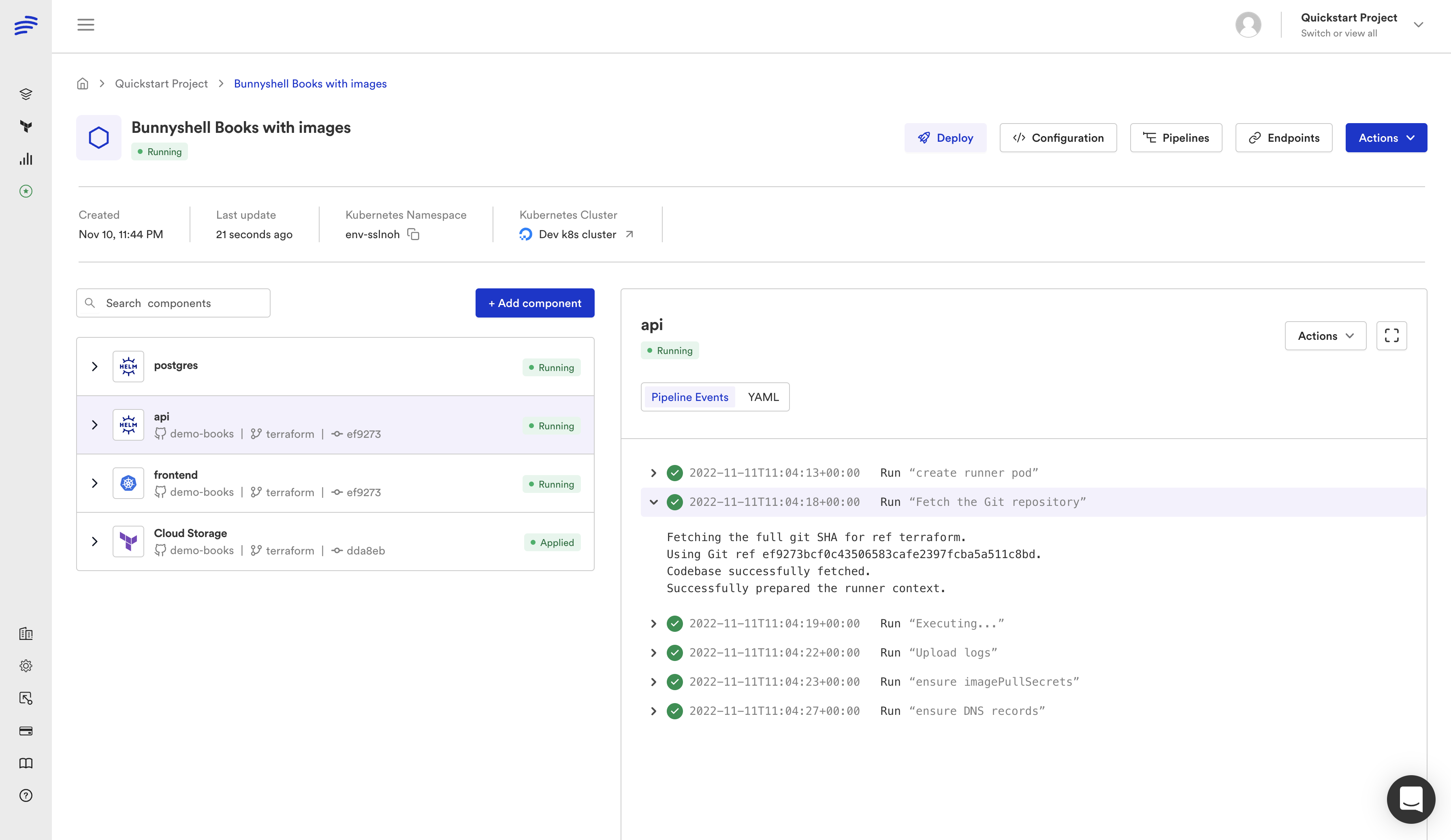
Full Example: CF Networking + CF Database + Application
Here is a complete bunnyshell.yaml that migrates a typical Proton setup with a networking environment template, an RDS service template, and an application service:
1kind: Environment
2name: '{{ template.vars.environment_name }}'
3type: primary
4
5templateVariables:
6  environment_name:
7    type: string
8    description: 'Environment name'
9  vpc_cidr:
10    type: string
11    default: '10.0.0.0/16'
12    description: 'VPC CIDR block'
13  db_instance_class:
14    type: string
15    default: 'db.t3.medium'
16    description: 'RDS instance class'
17  db_engine_version:
18    type: string
19    default: '15.4'
20    description: 'PostgreSQL engine version'
21  app_image_tag:
22    type: string
23    default: 'latest'
24    description: 'Application Docker image tag'
25
26components:
27  - kind: GenericComponent
28    name: networking
29    gitRepo: 'https://github.com/your-org/infrastructure.git'
30    gitBranch: main
31    gitApplicationPath: /cloudformation/networking
32    runnerImage: 'amazon/aws-cli:2.15'
33    deploy:
34      - |
35        aws cloudformation deploy \
36          --template-file template.yaml \
37          --stack-name "{{ env.unique }}-networking" \
38          --parameter-overrides \
39            VpcCidr="{{ template.vars.vpc_cidr }}" \
40            Environment="{{ env.unique }}" \
41          --capabilities CAPABILITY_IAM \
42          --no-fail-on-empty-changeset
43      - |
44        VPC_ID=$(aws cloudformation describe-stacks \
45          --stack-name "{{ env.unique }}-networking" \
46          --query 'Stacks[0].Outputs[?OutputKey==`VpcId`].OutputValue' \
47          --output text)
48        SUBNET_IDS=$(aws cloudformation describe-stacks \
49          --stack-name "{{ env.unique }}-networking" \
50          --query 'Stacks[0].Outputs[?OutputKey==`SubnetIds`].OutputValue' \
51          --output text)
52        SECURITY_GROUP_ID=$(aws cloudformation describe-stacks \
53          --stack-name "{{ env.unique }}-networking" \
54          --query 'Stacks[0].Outputs[?OutputKey==`SecurityGroupId`].OutputValue' \
55          --output text)
56        echo "VPC_ID=$VPC_ID" >> /bunnyshell/variables
57        echo "SUBNET_IDS=$SUBNET_IDS" >> /bunnyshell/variables
58        echo "SECURITY_GROUP_ID=$SECURITY_GROUP_ID" >> /bunnyshell/variables
59    destroy:
60      - |
61        aws cloudformation delete-stack \
62          --stack-name "{{ env.unique }}-networking"
63        aws cloudformation wait stack-delete-complete \
64          --stack-name "{{ env.unique }}-networking"
65    exportVariables:
66      - VPC_ID
67      - SUBNET_IDS
68      - SECURITY_GROUP_ID
69
70  - kind: GenericComponent
71    name: database
72    gitRepo: 'https://github.com/your-org/infrastructure.git'
73    gitBranch: main
74    gitApplicationPath: /cloudformation/rds
75    runnerImage: 'amazon/aws-cli:2.15'
76    deploy:
77      - |
78        aws cloudformation deploy \
79          --template-file template.yaml \
80          --stack-name "{{ env.unique }}-database" \
81          --parameter-overrides \
82            VpcId="{{ components.networking.exported.VPC_ID }}" \
83            SubnetIds="{{ components.networking.exported.SUBNET_IDS }}" \
84            SecurityGroupId="{{ components.networking.exported.SECURITY_GROUP_ID }}" \
85            InstanceClass="{{ template.vars.db_instance_class }}" \
86            EngineVersion="{{ template.vars.db_engine_version }}" \
87            Environment="{{ env.unique }}" \
88          --capabilities CAPABILITY_IAM \
89          --no-fail-on-empty-changeset
90      - |
91        DB_ENDPOINT=$(aws cloudformation describe-stacks \
92          --stack-name "{{ env.unique }}-database" \
93          --query 'Stacks[0].Outputs[?OutputKey==`Endpoint`].OutputValue' \
94          --output text)
95        DB_PORT=$(aws cloudformation describe-stacks \
96          --stack-name "{{ env.unique }}-database" \
97          --query 'Stacks[0].Outputs[?OutputKey==`Port`].OutputValue' \
98          --output text)
99        DB_NAME=$(aws cloudformation describe-stacks \
100          --stack-name "{{ env.unique }}-database" \
101          --query 'Stacks[0].Outputs[?OutputKey==`DatabaseName`].OutputValue' \
102          --output text)
103        echo "DB_ENDPOINT=$DB_ENDPOINT" >> /bunnyshell/variables
104        echo "DB_PORT=$DB_PORT" >> /bunnyshell/variables
105        echo "DB_NAME=$DB_NAME" >> /bunnyshell/variables
106        echo "DATABASE_URL=postgresql://admin:secret@${DB_ENDPOINT}:${DB_PORT}/${DB_NAME}" >> /bunnyshell/variables
107    destroy:
108      - |
109        aws cloudformation delete-stack \
110          --stack-name "{{ env.unique }}-database"
111        aws cloudformation wait stack-delete-complete \
112          --stack-name "{{ env.unique }}-database"
113    stop:
114      - |
115        DB_INSTANCE_ID=$(aws cloudformation describe-stacks \
116          --stack-name "{{ env.unique }}-database" \
117          --query 'Stacks[0].Outputs[?OutputKey==`InstanceId`].OutputValue' \
118          --output text)
119        aws rds stop-db-instance --db-instance-identifier "$DB_INSTANCE_ID"
120    start:
121      - |
122        DB_INSTANCE_ID=$(aws cloudformation describe-stacks \
123          --stack-name "{{ env.unique }}-database" \
124          --query 'Stacks[0].Outputs[?OutputKey==`InstanceId`].OutputValue' \
125          --output text)
126        aws rds start-db-instance --db-instance-identifier "$DB_INSTANCE_ID"
127        aws rds wait db-instance-available --db-instance-identifier "$DB_INSTANCE_ID"
128    exportVariables:
129      - DB_ENDPOINT
130      - DB_PORT
131      - DB_NAME
132      - DATABASE_URL
133
134  - kind: Application
135    name: api
136    gitRepo: 'https://github.com/your-org/api.git'
137    gitBranch: main
138    gitApplicationPath: /
139    dockerCompose:
140      build:
141        context: .
142        dockerfile: Dockerfile
143      ports:
144        - '8080:8080'
145      environment:
146        DATABASE_URL: '{{ components.database.exported.DATABASE_URL }}'
147        NODE_ENV: 'production'
148        APP_ENV: '{{ env.unique }}'
Adding Lifecycle Hooks for Cost Savings
One of the biggest advantages over Proton is the ability to stop and start environments. Proton had no concept of stopping a running environment — it was either deployed or deleted. Bunnyshell supports stop and start lifecycle hooks that let you pause non-production environments overnight and on weekends.
For CloudFormation-managed resources, the stop/start hooks call the appropriate AWS CLI commands:
1stop:
2  - |
3    # Stop RDS instance
4    DB_INSTANCE_ID=$(aws cloudformation describe-stacks \
5      --stack-name "{{ env.unique }}-database" \
6      --query 'Stacks[0].Outputs[?OutputKey==`InstanceId`].OutputValue' \
7      --output text)
8    aws rds stop-db-instance --db-instance-identifier "$DB_INSTANCE_ID"
9  - |
10    # Scale down ECS service
11    aws ecs update-service \
12      --cluster "{{ env.unique }}" \
13      --service api \
14      --desired-count 0
15
16start:
17  - |
18    # Start RDS instance
19    DB_INSTANCE_ID=$(aws cloudformation describe-stacks \
20      --stack-name "{{ env.unique }}-database" \
21      --query 'Stacks[0].Outputs[?OutputKey==`InstanceId`].OutputValue' \
22      --output text)
23    aws rds start-db-instance --db-instance-identifier "$DB_INSTANCE_ID"
24    aws rds wait db-instance-available --db-instance-identifier "$DB_INSTANCE_ID"
25  - |
26    # Scale up ECS service
27    aws ecs update-service \
28      --cluster "{{ env.unique }}" \
29      --service api \
30      --desired-count 2
Bunnyshell can schedule automatic stop/start cycles. Configure non-production environments to stop at 7 PM and start at 8 AM on weekdays, saving up to 65% on compute costs for development and staging environments.
Testing Your Migration
Before cutting over from Proton, validate your Bunnyshell setup:
-
Deploy a test environment — Create an environment from your template and verify all CloudFormation stacks deploy successfully. Check the AWS CloudFormation console to confirm stack status.
-
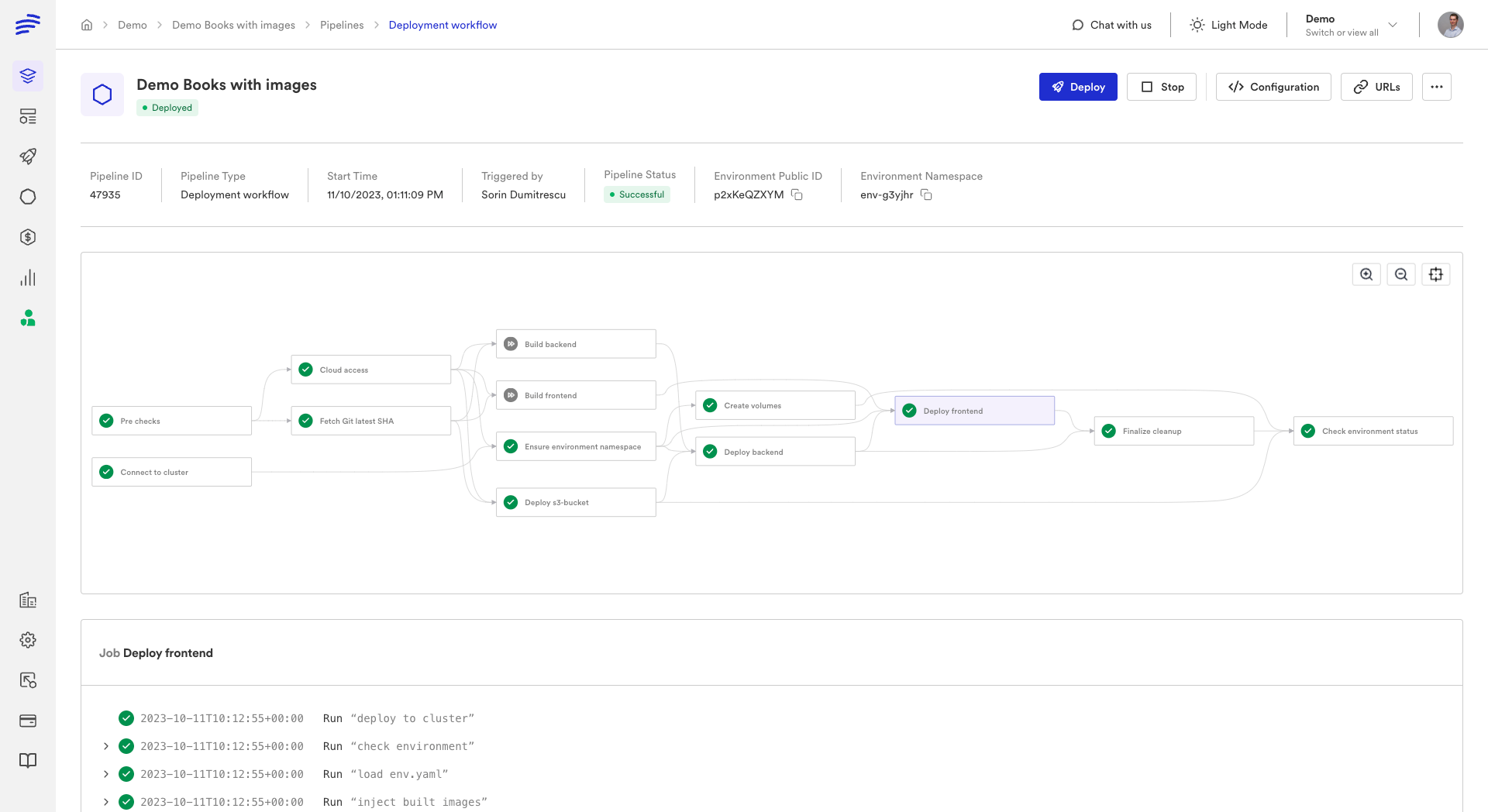
Verify outputs — Confirm that exported variables are populated. In the Bunnyshell dashboard, check the component details to see exported values.
-
Test application connectivity — Verify your application can connect to infrastructure resources (databases, caches, queues) using the exported connection strings.
-
Test the destroy lifecycle — Delete the environment and confirm all CloudFormation stacks are deleted. Check the AWS CloudFormation console for orphaned stacks.
-
Test ephemeral environments — Open a pull request and verify that Bunnyshell creates an ephemeral environment automatically. Merge the PR and verify the environment is destroyed.
-
Test stop/start — If you configured stop/start hooks, stop the environment and verify resources are paused. Start it again and verify everything comes back up.
1# Create test environment via CLI
2bns environments create \
3  --name "migration-test" \
4  --template-id tmpl_xxx \
5  --var environment_name=migration-test \
6  --var vpc_cidr=10.99.0.0/16 \
7  --var db_instance_class=db.t3.micro
8
9# Check deployment status
10bns environments show --id env_xxx
11
12# Test stop/start
13bns environments stop --id env_xxx
14bns environments start --id env_xxx
15
16# Clean up
17bns environments delete --id env_xxx
Use a small instance class (like db.t3.micro) for test environments to minimize costs. You can always change the template variable defaults for production environments later.
Summary
The CloudFormation migration path is the most straightforward of all Proton migration paths because the underlying mechanism is identical: both Proton and Bunnyshell's GenericComponent ultimately run aws cloudformation deploy. The difference is that Bunnyshell gives you a Git-native workflow, ephemeral environments, cost management, and a unified platform for all your infrastructure — whether it is CloudFormation, Terraform, Helm, or containerized applications.
Your CloudFormation templates stay as-is. Your parameters become template variables. Your outputs become exported variables. And your team gets capabilities that Proton never offered.
Need hands-on migration support?
Our solutions team provides dedicated migration assistance. VIP onboarding with a solution engineer, private Slack channel, and step-by-step guidance.
Frequently Asked Questions
Do I need to modify my CloudFormation templates?
No. Your CF templates run inside a GenericComponent exactly as they are. Bunnyshell orchestrates the aws cloudformation deploy command — your template YAML files stay untouched.
How do I pass Proton schema.yaml parameters?
Map schema.yaml parameters to Bunnyshell template variables. Reference them in your deploy commands as {{ template.vars.parameter_name }}. Users are prompted to fill these when creating an environment.
Can I use CloudFormation and Terraform together?
Yes. A single Bunnyshell environment can combine GenericComponent (CF), Terraform, Helm, and Application components. Wire outputs between them with {{ components.X.exported.Y }}.
How do I handle CloudFormation stack outputs?
After deploying, export outputs as environment variables using aws cloudformation describe-stacks. Add them to the exportVariables list so other components can reference them.