Laravel Forge and Preview Environments: The Gap Nobody Mentions
What Forge Actually Does
Forge provisions a VPS (DigitalOcean, AWS, Linode, or your own server), installs the stack Laravel needs — PHP, Nginx, MySQL or Postgres, Redis — and automates deployment: push to a branch, Forge pulls, runs your deploy script, restarts services. It's been the standard way small and mid-sized Laravel teams manage production servers for years, and for that job it's still a reasonable choice.
What it doesn't have is any concept of a pull request. A Forge "site" is a persistent thing you configure once — a domain, a deploy script, a set of environment variables — and deploy to repeatedly. There's no built-in workflow for "spin up a fresh copy of this site for PR #482, tear it down when it merges."
The Gap in Practice
Priya led a 7-person team building a Laravel SaaS product, deployed via Forge to a single production server plus a staging site. Code review meant reading the diff and trusting it, because there was nowhere to actually click through a PR's changes before merge — staging only ever reflected whatever had been deployed there last, usually a different branch than the one under review.
When a PR touched a checkout flow, the reviewer's options were: read the code and approve on faith, or ask the PR author to deploy their branch to staging temporarily — bumping whatever was already there, and blocking anyone else who needed staging that day. Neither is a real solution. It's the same shared-staging bottleneck we cover in how to test a pull request before merging, just specific to teams running Forge.
See a per-PR environment running against your existing Forge deploy.
Bunnyshell provisions the preview layer — Forge can keep handling production.
Closing the Gap: Two Real Options
Option 1 — Script it yourself with the Forge API. Forge exposes an API for creating sites, deploying, and managing servers programmatically. A determined team can write a GitHub Actions workflow that calls the Forge API on pull_request: opened, provisions a new site on an existing server (or a fresh server, if isolation matters), points DNS or a subdomain at it, deploys the PR's branch, and tears the site down on pull_request: closed.
This works. It also means someone owns that workflow — the provisioning script, the DNS wiring, the database seeding, the teardown logic, and every edge case that shows up over the following year (a PR that gets force-pushed, a site that doesn't tear down cleanly, a server that runs out of capacity from too many concurrent preview sites). It's a real engineering project, not a config change.
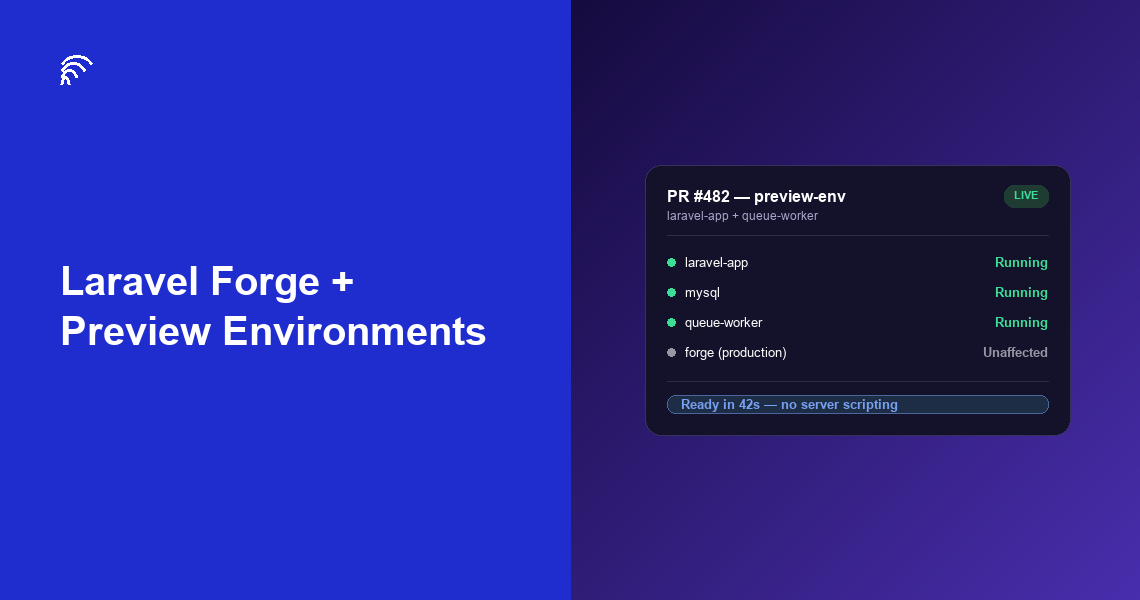
Option 2 — A dedicated environment platform for the preview layer. Instead of building that workflow, a platform like Bunnyshell provisions a full-stack environment per PR automatically — reading the same app definition every time, assigning a unique URL, and destroying the environment when the PR closes. Forge keeps doing what it's good at (production deployment); the environment platform takes over the part Forge was never designed for.
The practical difference shows up the moment your stack isn't Laravel alone. If a PR touches a Node.js queue worker or a Python service alongside the Laravel app, the Forge-API-workflow approach means scripting provisioning for each of those separately, on their own servers. A platform built around a full environment definition (Docker Compose, Helm, or manifests) provisions all of it together as one environment, which is closer to how Bunnyshell's Laravel preview environment guide sets it up in practice.
What This Costs If You Skip It
The SaaS Finance case study is worth citing directly here, because it's a real customer running exactly this kind of mixed stack — NodeJs, Laravel, Jenkins, Jira, AWS, and OpenTofu, not Laravel alone. Before Bunnyshell, spinning up a working copy of that environment took 2 days. After, 7 minutes. That gap is the cost of not having per-PR environments for a stack that includes Laravel plus other services — and it's the gap Forge, by design, doesn't try to close.
Deciding What To Do
If your app really is Laravel and nothing else, and PR volume is low enough that manual staging bumps aren't a constant friction point, Forge alone might genuinely be fine — don't add a platform to solve a problem you don't have yet.
If reviewers are approving PRs on faith because there's nowhere real to click through them, or if the stack includes anything beyond Laravel, the GitHub-Actions-against-the-Forge-API route is viable but is a maintenance commitment. A dedicated environment platform removes that commitment, running alongside Forge rather than replacing it.
Once a per-PR environment exists, an existing Laravel Dusk suite can point at it directly — no test rewrites needed. And if the choice on the table isn't "Forge plus a preview layer" but a full platform migration, see how Bunnyshell compares to Laravel Cloud for mixed-stack teams specifically.
✅ Key Takeaways
- Laravel Forge provisions servers and automates deployment — it has no native concept of a per-PR preview environment
- Teams close the gap either by scripting the Forge API into a custom GitHub Actions workflow, or by adding a dedicated environment platform for the preview layer
- The DIY route is a real ongoing engineering commitment, not a one-time config change
- The gap widens fast once the stack includes anything beyond Laravel — Forge provisions PHP servers, not mixed-stack environments
- Forge and a preview-environment platform aren't mutually exclusive — most teams that add one keep Forge for production
FAQ
Does Laravel Forge support preview environments?
Not natively. Forge provisions and deploys Laravel applications to a VPS, but has no built-in concept of a per-pull-request ephemeral environment. Teams that want this on Forge build a custom GitHub Actions workflow to spin up a new server or site per branch, which works but requires ongoing scripting and maintenance.
How do you get PR preview environments with Laravel Forge?
Two paths. Build a GitHub Actions workflow that provisions a new Forge site per branch using the Forge API, tears it down on merge, and handles DNS and database seeding yourself. Or use a dedicated environments platform that provisions full-stack environments per PR automatically, alongside or instead of Forge.
Is Laravel Forge still worth using if I need preview environments?
Yes, for the parts it's genuinely good at: server provisioning, SSL, deployment automation for a Laravel app that lives on one server. Preview environments are a different problem — many teams keep Forge for production and add a separate environment platform for the per-PR preview layer rather than replacing Forge outright.
What's the difference between a Forge site and a preview environment?
A Forge site is a persistent deployment target you configure once and deploy to repeatedly — it doesn't know about pull requests. A preview environment is created automatically per PR, scoped to that one branch, and destroyed when the PR closes. Forge wasn't built around that lifecycle; environment platforms are.
Can Laravel Forge handle a mixed stack with services beyond Laravel?
Not in one environment. Forge provisions servers for PHP/Laravel specifically. A Node.js worker, a Python job, or a separate frontend needs its own server and its own Forge site — there's no single environment definition that provisions all of them together the way Docker Compose or Kubernetes-based platforms do.
Add the preview layer Forge doesn't have.
Full-stack environments per pull request, running alongside your existing Forge deploy.